
Best Shopify apps for the work behind an online store.
Great retail is shaped by what shoppers see—and by the quieter work behind it. Here are three focused Shopify apps from the team behind Peppervale, built for product presentation, margin clarity, and buying stock.
Clear ownership: Peppervale is operated by Fleeta Limited, the developer of the apps featured here. This is a first-party guide, not an independent ranking. App details were last checked on 22 August 2026.

Begin with the part of the store that needs attention.
The most useful app is rarely the one with the longest feature list. It is the one that fits a real task and gives the team a clearer next action.
Product presentation
Make catalogue images work harder across product pages, campaigns and seasonal edits.
Explore LumenCart Opens in a new window.Margin clarity
Look past revenue and see how products and orders perform after the real costs of selling.
Explore TrueMargin Opens in a new window.Buying and receiving
Connect suppliers, purchase orders, incoming deliveries and live stock information.
Explore StockPilot Opens in a new window.

LumenCart: AI Product Photos
When a range grows, it becomes difficult to keep every product image consistent. LumenCart starts from live catalogue images and creates private AI previews for studio or lifestyle directions, giving the team a chance to review the result before it reaches Shopify.
- Private previews that do not publish automatically.
- Studio and lifestyle art direction from existing catalogue photos.
- Side-by-side source and result review.
- Individual and bulk product-image workflows.
- Verified restore points for approved published replacements.
TrueMargin: Profit Tracker
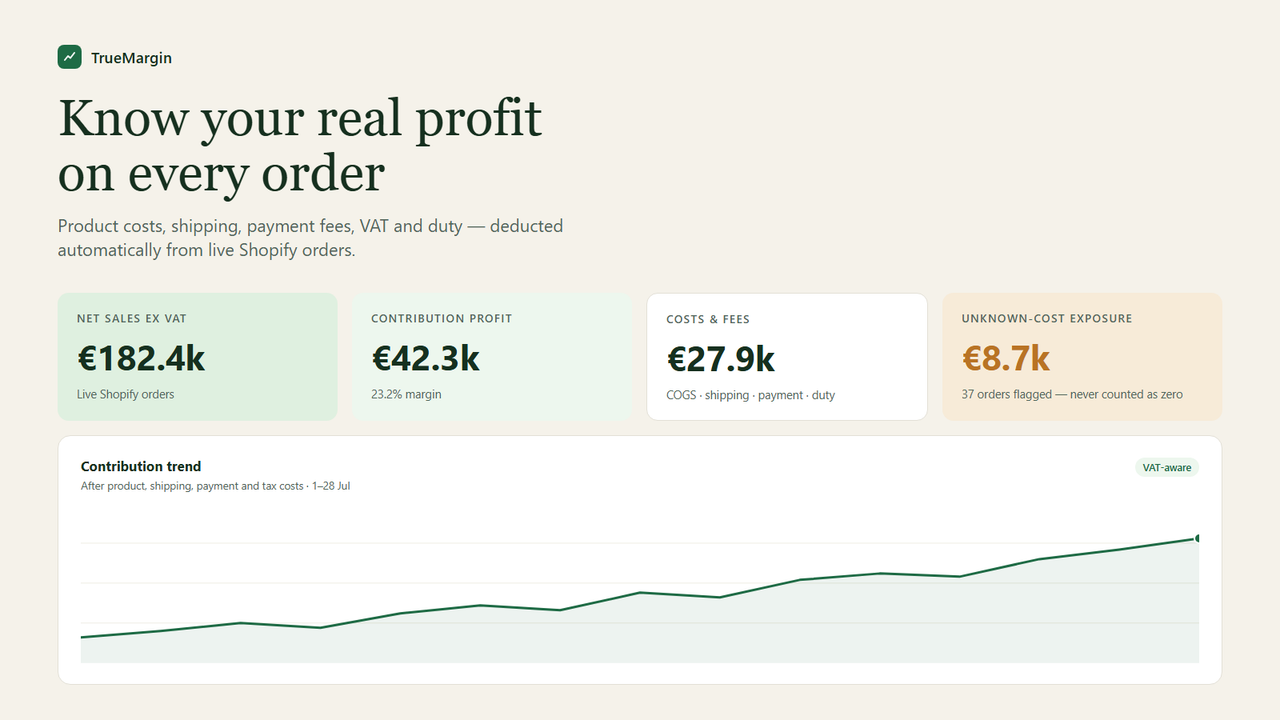
Sales are only one side of the story. TrueMargin brings live order data together with the costs that shape contribution profit—including products, shipping, fulfilment, payment fees, advertising, returns, duty and tax.
- Contribution margin built from live Shopify order data.
- Merchant-defined rules for COGS and operating costs.
- VAT-aware tax-inclusive and net revenue views.
- Visible flags for missing costs instead of silent zero values.
- CSV export for deeper finance and trading reviews.

StockPilot: Purchase Orders PO
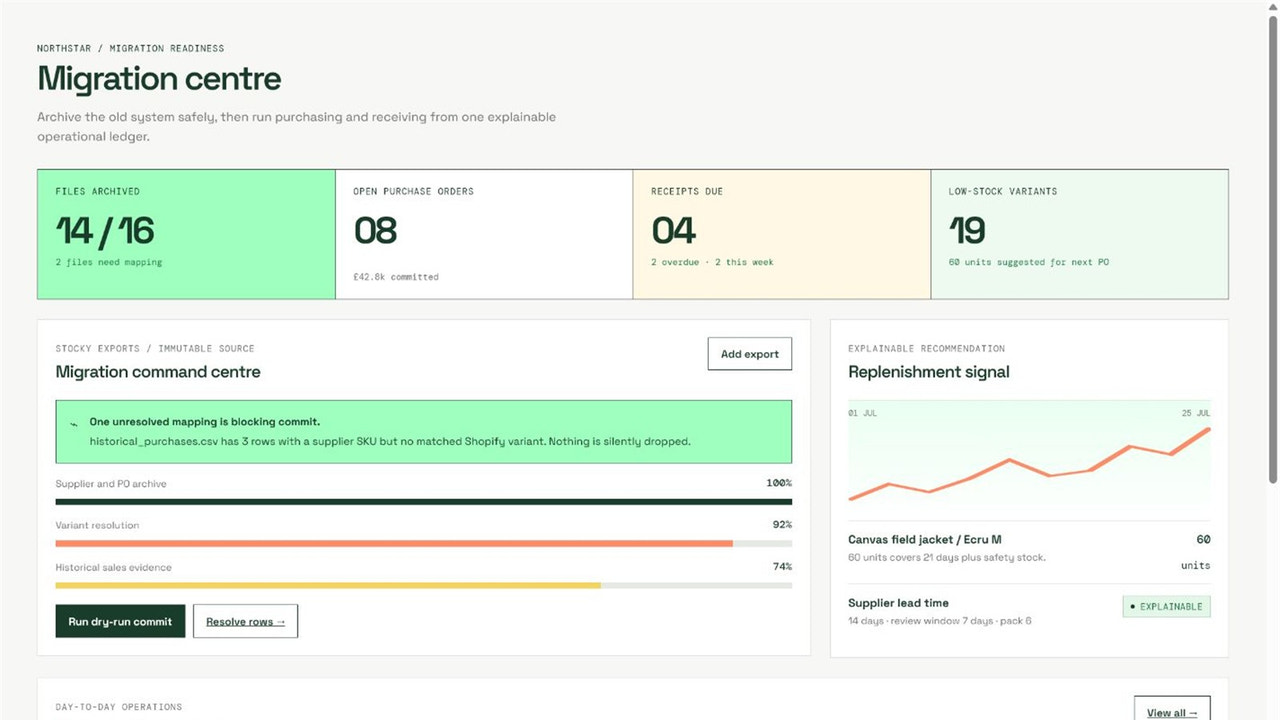
Inventory decisions become harder when the buying plan, supplier details and incoming deliveries live in separate places. StockPilot brings inventory migration, purchase orders, receiving and current quantities into one operational view.
- Inventory migration into a focused purchasing workflow.
- Purchase-order tracking by supplier and location.
- Receiving steps linked to expected stock.
- Current quantity visibility while buying decisions are made.
- Clear status language for day-to-day operations.
Five checks before adding another app.
Keep the stack deliberate. Test the workflow with a small, representative part of the store before rolling it out more widely.
Solve one problem
Name the exact task that needs to become faster, clearer or more controlled.
Read permissions
Check the data-access section on the official listing and understand why access is needed.
Fit the team
Identify who will operate the app, who reviews the work and who approves changes.
Check today's price
Plans can change. Use the live Shopify App Store listing as the pricing source of truth.
Run a small test
Start with a few products, orders or one purchase order before expanding the workflow.
Three apps, three different store jobs.
| When you need to… | Start with | Current pricing label | A sensible first test | Official listing |
|---|---|---|---|---|
| Improve or extend product imagery | LumenCart | Free plan; paid from $9/month | Preview a small seasonal product edit | View app Opens in a new window. |
| Understand profit after selling costs | TrueMargin | Free | Review a recent order set with known COGS | View app Opens in a new window. |
| Organise suppliers, orders and receiving | StockPilot | Free | Create and receive one supplier PO | View app Opens in a new window. |
Shopify app FAQs.
Short answers for merchants comparing tools for content, margin and stock operations.
What are the best Shopify apps for an online store?
Which Shopify app can create AI product photos?
How do I see Shopify profit after costs and VAT?
Is there a Shopify app for purchase orders and receiving?
Why are these apps featured on Peppervale?
App facts checked 22 August 2026
Features and pricing can change. Confirm the latest plan, permissions and compatibility on each official Shopify App Store listing.


